
Solution / 03
Core systems that move as one
Enterprise platform integration
We connect the systems that carry the business—without hiding critical workflows behind another layer of accidental complexity.
- Integration architecture and APIs
- Application extensions
- Workflow and data automation
In one answer
What is enterprise platform integration?
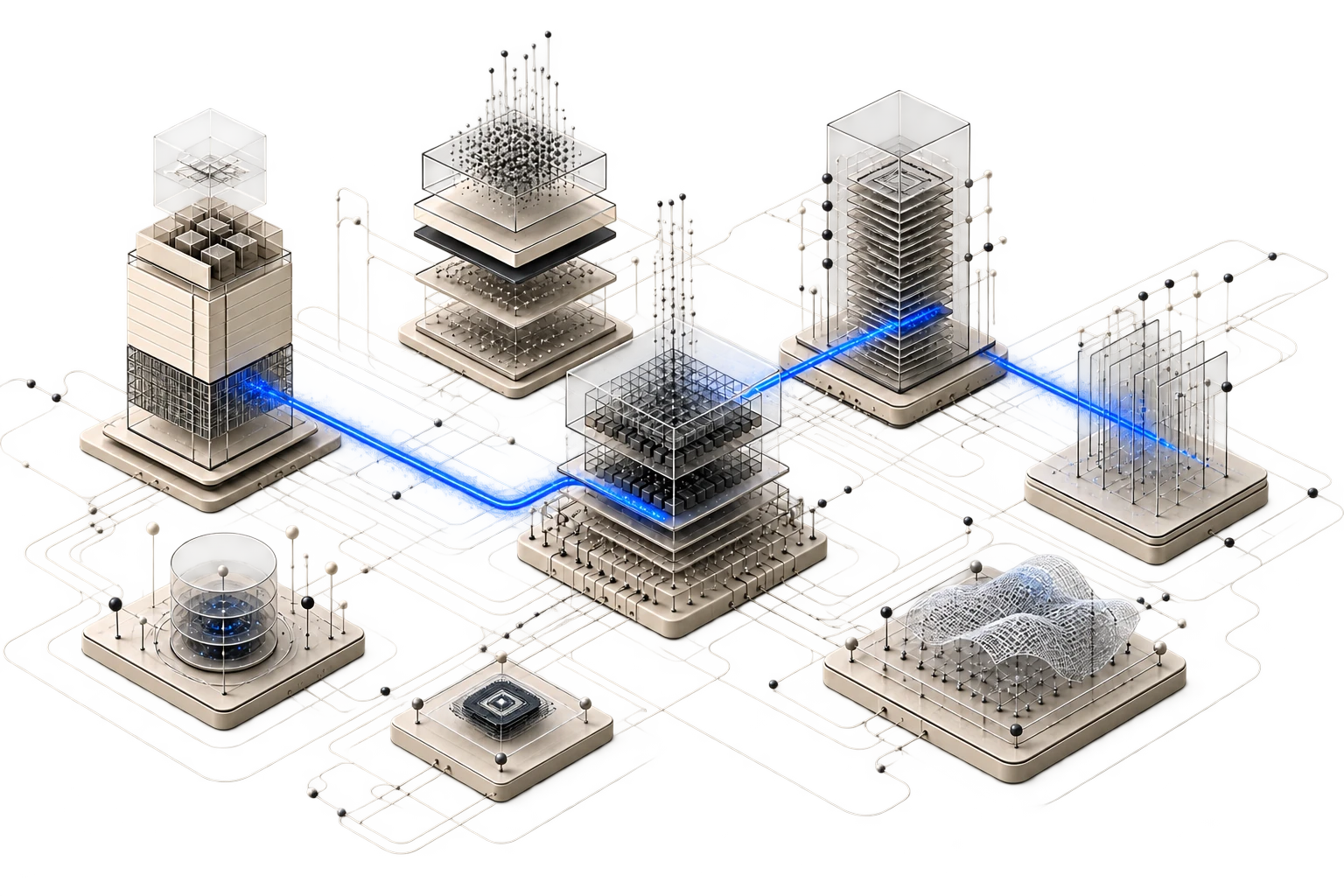
Enterprise platform integration is the disciplined design of interfaces, data movement, workflow automation, and application extensions across systems of record. The goal is not simply connectivity; it is a coherent operating model with explicit contracts, failure handling, observability, and ownership.
When it fits
The problem usually looks like this.
Critical work crosses too many disconnected systems
Teams manually reconcile data or repeat actions because the workflow stops at platform boundaries.
Point-to-point integrations have become fragile
Changes create cascading failures because contracts, retries, ownership, and observability were never designed as a system.
A core platform needs a focused extension
The business needs new behaviour without modifying the system of record beyond a safe upgrade path.
Data must become usable across operations
Operational and analytical flows need shared definitions, lineage, access boundaries, and reliable synchronization.
What the engagement produces
A working system.
Not a strategy deck.
Integration architecture
System boundaries, interface contracts, event and data flows, ownership, and failure modes documented as one design.
APIs and platform adapters
Versioned services, connectors, events, and transformation layers with resilient authentication and error handling.
Workflow and application extensions
Purpose-built interfaces and automation that extend core platforms while preserving their system-of-record role.
Operational visibility
Tracing, reconciliation, alerts, replay paths, runbooks, and service ownership for day-two operation.
Delivery path
One accountable path from constraint to operation.
- 01Assess
Map the real workflow
Follow decisions and data across people and platforms, including the manual work hidden between them.
- 02Architect
Define stable contracts
Choose synchronous, event-driven, or batch patterns from consistency, latency, and failure requirements.
- 03Integrate
Build for change and recovery
Implement versioning, idempotency, retries, reconciliation, security, and observability with the business path.
- 04Operate
Make ownership visible
Measure flow health, document recovery, and evolve interfaces without breaking downstream consumers.
Direct answers
Questions worth resolving early.
01Do you replace the current ERP or CRM?
Not by default. We first determine whether the business outcome can be achieved through a stable extension, workflow, or integration around the current system. Replacement is a separate transformation decision.
02Which enterprise platforms can you work around?
The scope can include Microsoft, SAP, Oracle, cloud-native services, custom applications, on-premise systems, and edge environments. Final feasibility depends on the available interfaces, licenses, and access model.
03How do you prevent another integration layer from becoming legacy?
We keep contracts versioned, boundaries small, transformations explicit, and ownership visible. Tests, telemetry, replay paths, and documentation are part of the implementation rather than a later clean-up phase.
04Can integrations support real-time and batch workflows together?
Yes. A system can combine APIs, events, queues, scheduled synchronization, and analytical pipelines when each path has a clear consistency and recovery model.